
How I Made a Hollywood Style Movie Poster in Photoshop Using Manual Techniques & AI
Creating a professional Hollywood-style movie poster requires much more than simply placing images together. It involves strong composition, realistic lighting, cinematic color grading, atmospheric effects, and careful photo manipulation.
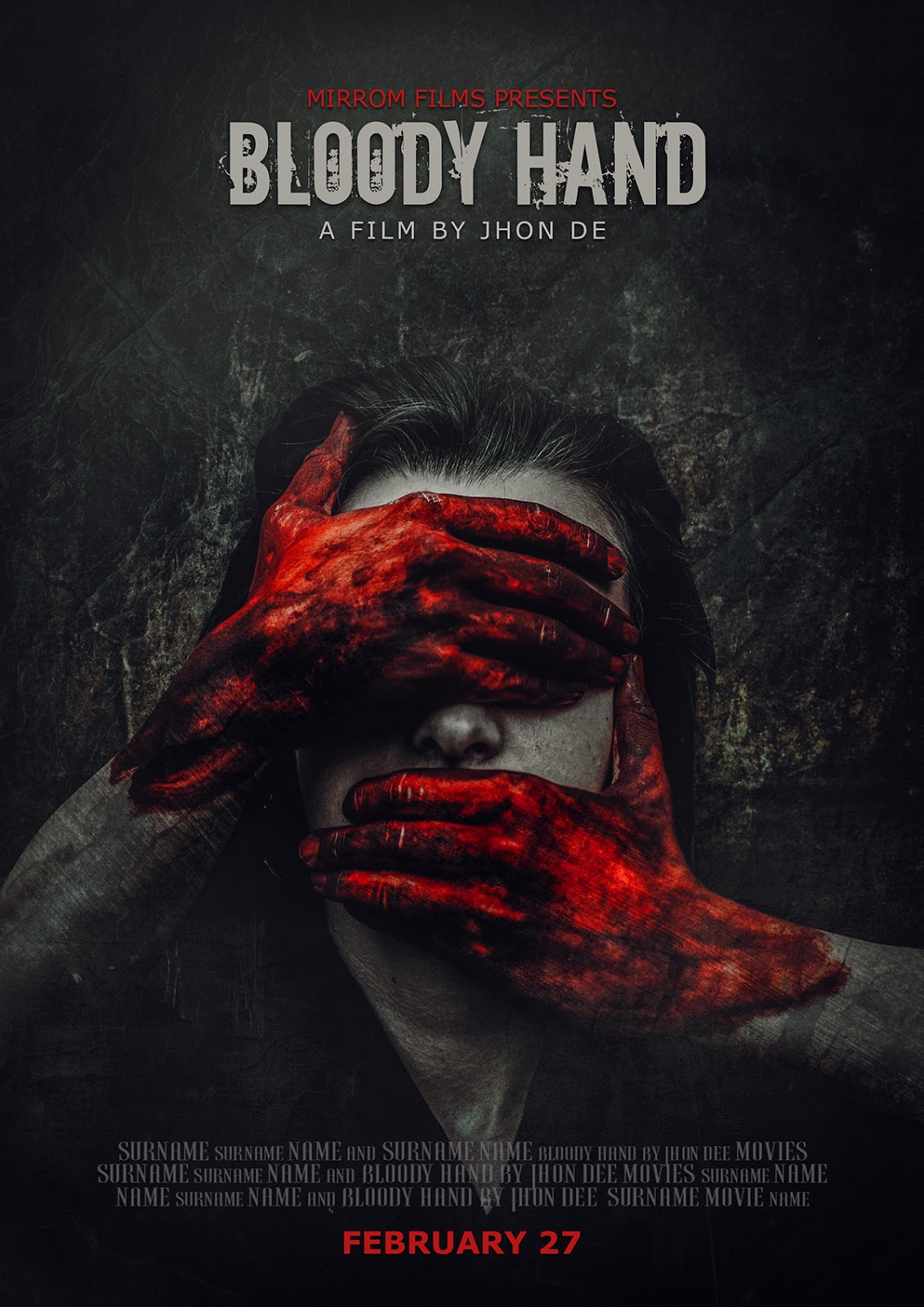
In this tutorial, I'll show you how I created this action movie poster in Photoshop using professional manual techniques combined with Photoshop's Generative AI Expand.
Rather than letting AI generate the final artwork, I use AI as a creative assistant to extend the composition and speed up certain parts of the workflow. The overall cinematic look—including compositing, masking, lighting, shadows, color grading, and finishing—is completed manually inside Photoshop
AI can quickly extend backgrounds and assist with composition, while manual editing gives you complete control over every visual element. This hybrid workflow produces artwork that looks polished, realistic, and uniquely crafted.
In my workflow, AI supports the creative process rather than replacing it.
Comments
Post a Comment