
How to Create a Cinematic Movie Poster in Photoshop Using AI Images
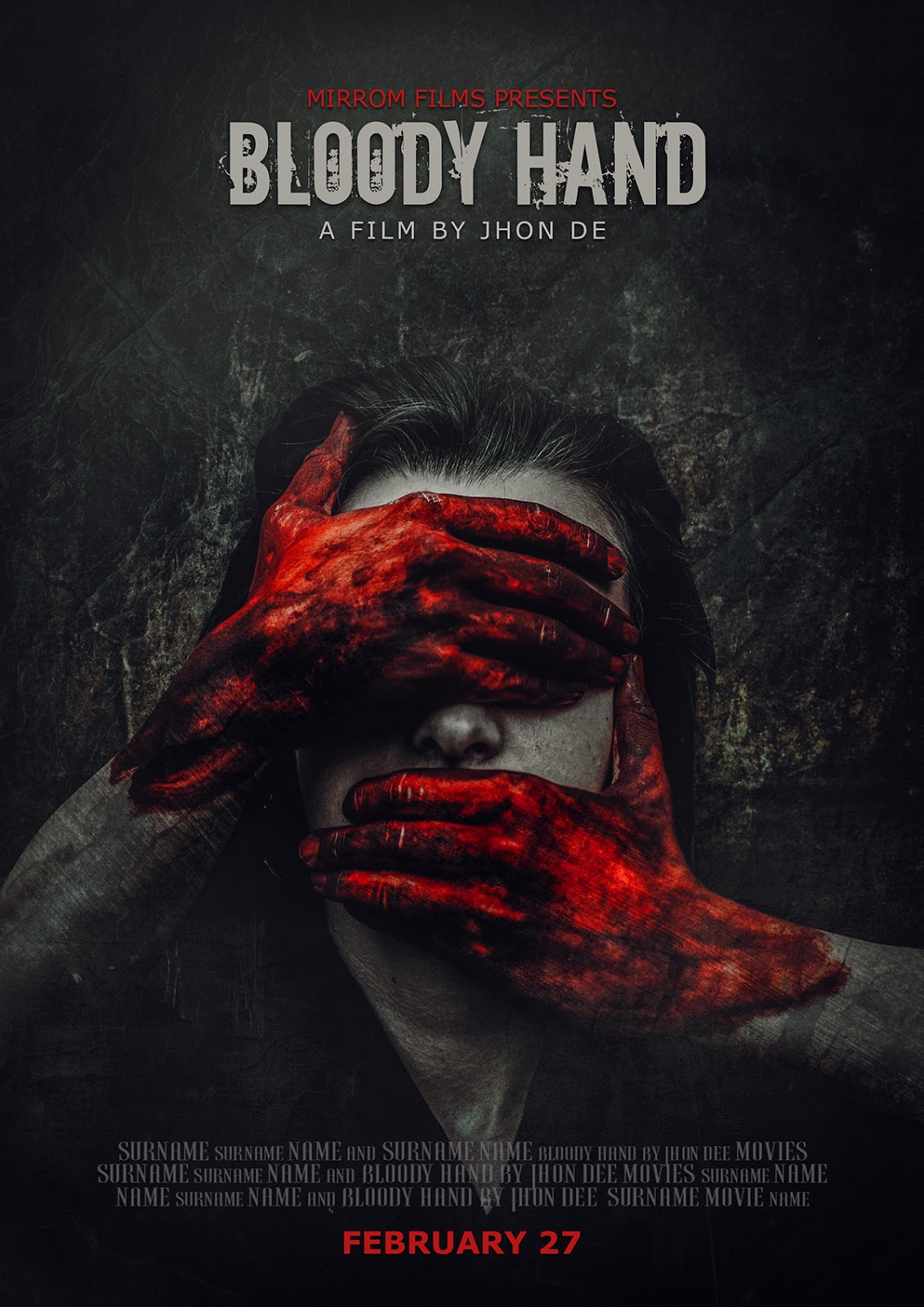
Creating a professional movie poster is one of the best ways to improve your Photoshop compositing and design skills. In this tutorial, we will design a dramatic cinematic movie poster inspired by modern Hollywood action and thriller films. By combining AI-generated images with Photoshop's powerful editing tools, we can create a visually stunning composition that looks ready for the big screen.
The poster features multiple characters, a dramatic explosion scene, artistic brush strokes, and cinematic color grading that work together to tell a compelling story.
What You'll Learn
In this tutorial, you will learn how to:
- Create a professional movie poster composition
- Combine multiple AI-generated images seamlessly
- Use Photoshop's Harmonize feature for realistic color matching
- Enhance images using Adjustment Layers
- Add artistic brush stroke effects
- Create cinematic lighting and atmosphere
- Apply Camera Raw Filter for professional color grading
- Design a balanced and eye-catching poster layout
Tutorial Resources :
Stock Images
Againts Font
Download the PSD flyers collection. American Football, Soccer, Basketball, Hockey, Extreme Sport, Gym event flyer. There is also an Auto Show, Restaurant and other events. CLICK HERE for portfolio ! Another portfolio.

Comments
Post a Comment