
How To Use Generative Expand in Photoshop for Movie Poster Design
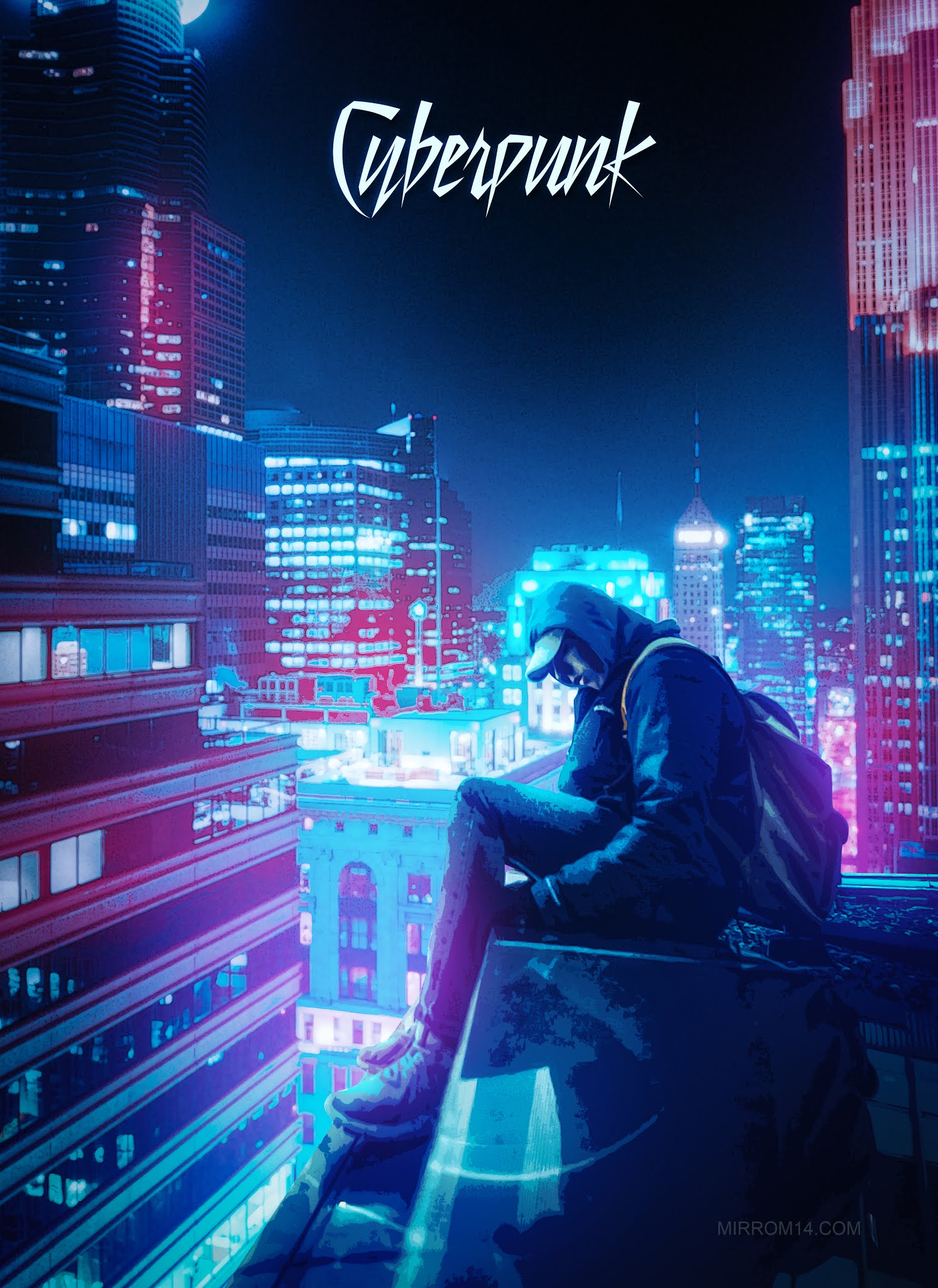
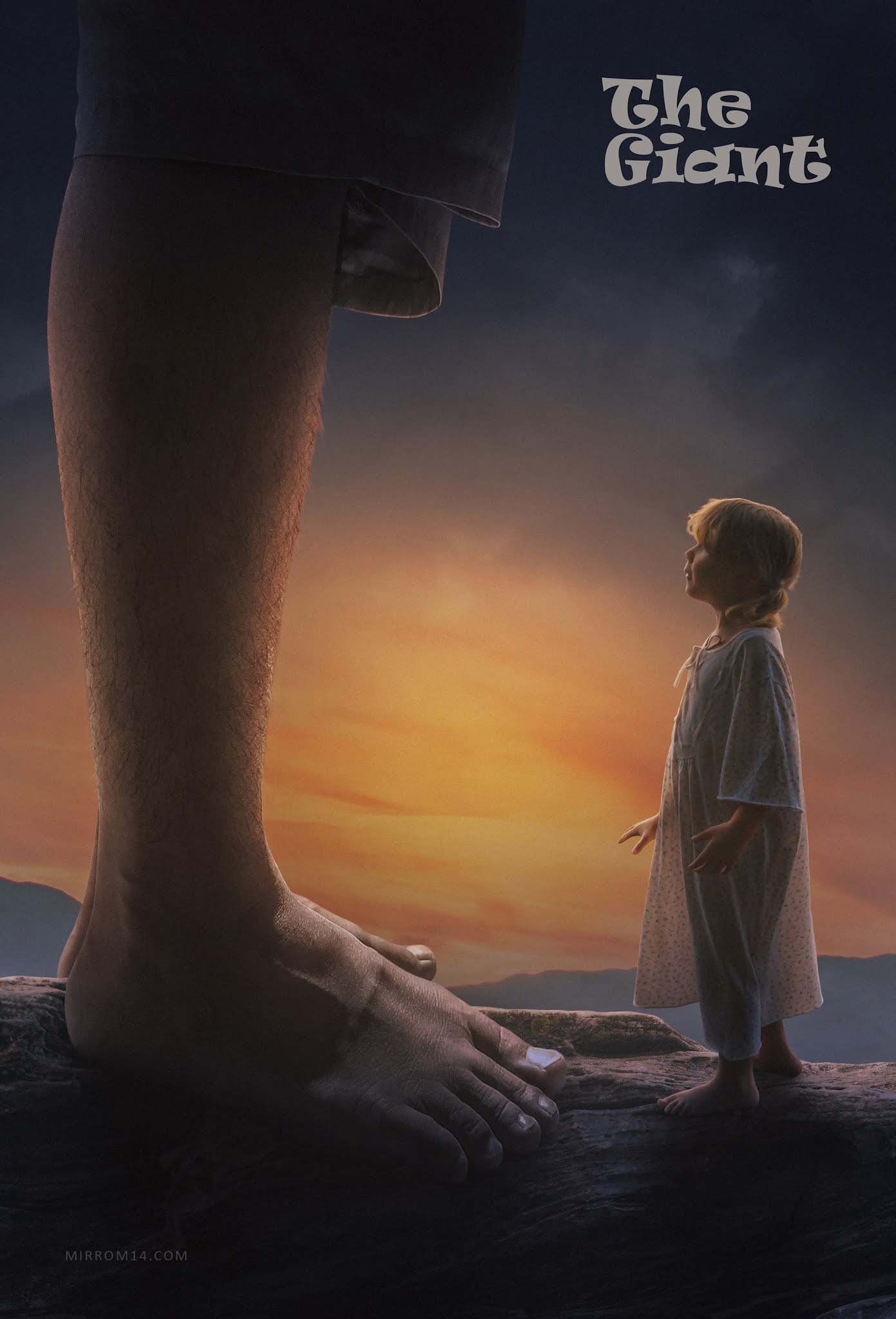
In this tutorial, I'll show you how to use Generative Expand in Photoshop to create a cinematic movie poster design. We'll use Generative Expand to extend the canvas and generate additional visual elements around each character, helping us build a larger and more immersive composition without manually painting every detail.
Although Photoshop's AI tools can significantly speed up the workflow, I still rely on manual techniques to achieve the final professional look. After expanding each model and background, I carefully adjust the Exposure, highlights, shadows, and overall lighting to create realistic depth, consistent illumination, and natural-looking shadows across every subject in the poster.
This combination of AI-powered Generative Expand and traditional Photoshop techniques allows us to maintain creative control while producing a cinematic result that feels polished, believable, and visually compelling.
By the end of this tutorial, you'll learn how to seamlessly integrate multiple characters into a movie poster composition, extend backgrounds using AI, and enhance the final artwork with realistic lighting and shadow adjustments.
Download the PSD flyers collection. American Football, Soccer, Basketball, Hockey, Extreme Sport, Gym event flyer. There is also an Auto Show, Restaurant and other events. CLICK HERE for portfolio ! Another portfolio.
Comments
Post a Comment